Laptop Product Families: Consumer vs. Business vs. Workstation
Model families and names change by year and region. Use the exact model number and service documentation when ordering parts or checking repairability.
| Grade | Common product families | Typical use / notes |
|---|---|---|
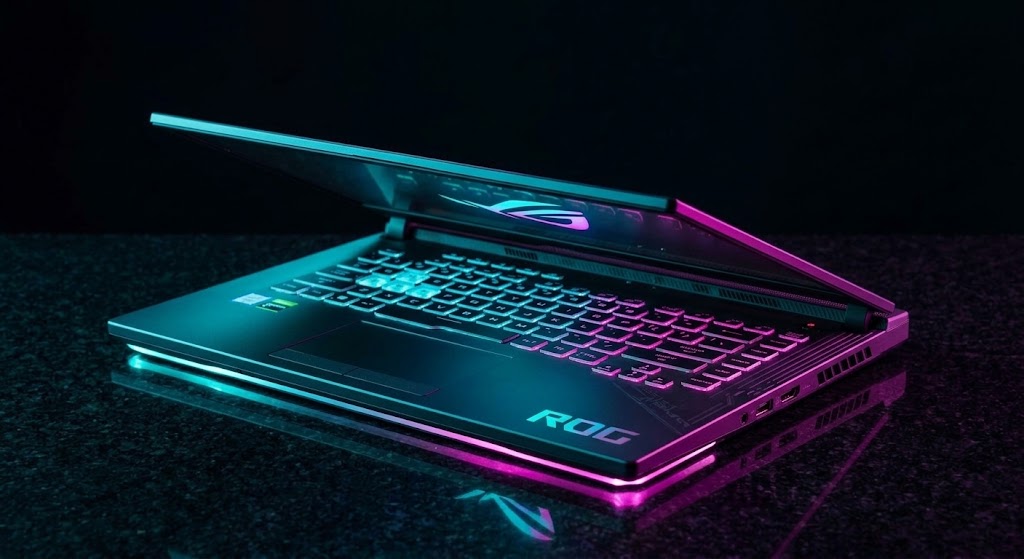
| Consumer | Vivobook, Zenbook, ROG, TUF Gaming, ProArt laptops | Home, creator and gaming; ProArt is creator-focused |
| Business | ExpertBook B and P series | Business-focused features and service |
| Workstation | ProArt Studiobook Pro (select models) | Professional creator/workstation-oriented configurations; certification varies |
Classification is a practical buying/service guide, not a guarantee of ruggedness, repairability, warranty terms or professional software certification.
ASUS Hardware Reference
ASUS Keys Quick Reference
| Target Action | Primary Key / Combination | Description / Notes |
|---|---|---|
| BIOS Setup | F2 or Delete |
Hold or tap continuously at startup. |
| Boot Device Menu | Escape Key |
Opens drive selection menu on laptops. |
| EZ Flash Utility | F7 (Advanced) -> Tools |
Flashes UEFI firmware via FAT32 USB drive. |
| EC Hard Power Reset | Hold Power (40 Seconds) |
Drains embedded controller power state on no-boot. |
Model Series Breakdown
- Gaming Tier (ROG Strix / Zephyrus / TUF): High power thermal loads, dual fan heat sinks, liquid metal cooling compound applied on CPU dies.
- Ultrabook Tier (ZenBook / ExpertBook): ErgoLift hinges, delicate ribbon cables, glued base feet concealing chassis screws.
- Entry Tier (VivoBook): Single fan assemblies, plastic chassis mounts, soldered mainboard RAM.
Hard EC Reset (Embedded Controller Clear)
To clear stuck power states or blank screen initialization issues on ROG and ZenBook models:
- Unplug the AC power adapter.
- Press and hold the Power button down continuously for 40 full seconds.
- Plug the AC adapter back in and press Power normally. The system will take up to 60 seconds to train memory and display video.
Pro Benchtop Repair Tips for ASUS
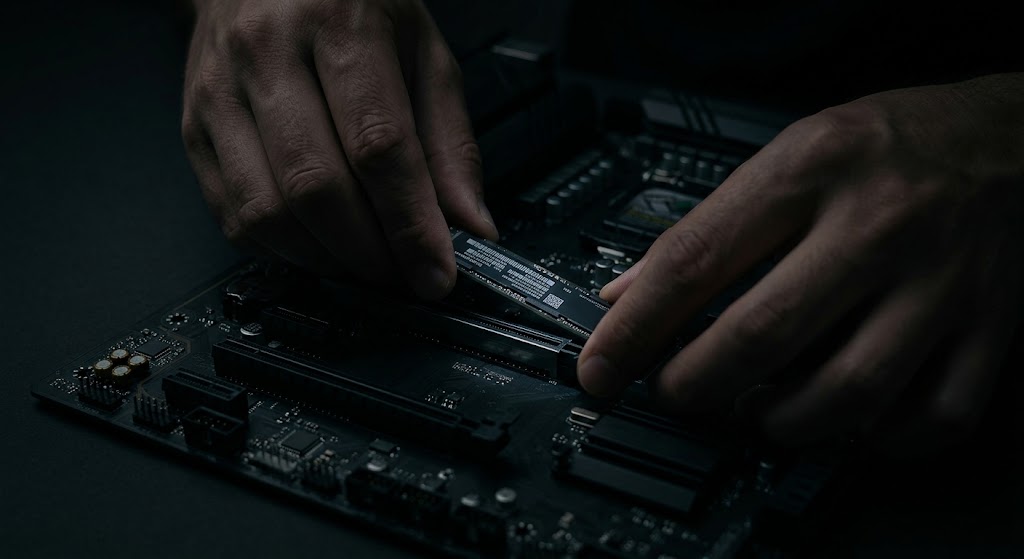
- Liquid Metal Caution (ROG Series): Modern ROG laptops use liquid metal thermal compound on the CPU. Never tilt or flex the logic board vertically while warm. Clean only using 99% IPA and high-density foam swabs.
- ROG Pop-Open Base Screw: On TUF and ROG laptops, the bottom-right corner screw is a "Pop-Open" captive screw designed to create an opening gap for your guitar pick pry tool.
Additional Bench Reference
- Model identification: Confirm full model and board variant before BIOS or driver updates.
- Power troubleshooting: Check adapter rating, USB-C PD support, battery connector and embedded controller reset procedure.
- Validation: Test fan modes, keyboard lighting, display refresh rate and charging.
Use the exact model service manual for disassembly, firmware and part compatibility.