Laptop Product Families: Consumer vs. Business vs. Workstation
Model families and names change by year and region. Use the exact model number and service documentation when ordering parts or checking repairability.
| Grade | Common product families | Typical use / notes |
|---|---|---|
| Consumer | HP Laptop, Pavilion, Envy, Spectre, OmniBook, Victus, OMEN | Home, student, premium and gaming |
| Business | ProBook, EliteBook, Elite x360, EliteBook X, HP Pro / Elite commercial models | Enterprise management, security and support |
| Workstation | ZBook Firefly, Power, Studio, Fury, Ultra | Mobile professional workflows; certifications vary by model |
Classification is a practical buying/service guide, not a guarantee of ruggedness, repairability, warranty terms or professional software certification.
HP Hardware Reference
HP Startup Keys Quick Reference
| Target Action | Primary Key / Combination | Description / Notes |
|---|---|---|
| Startup Menu | Esc |
Pauses startup and displays full options menu. |
| BIOS Setup | F10 |
Direct entry into UEFI configuration settings. |
| Boot Device Menu | F9 |
Brings up boot order drive menu. |
| Hardware Diag | F2 |
Launches HP System Diagnostics suite. |
| Emergency BIOS Recovery | Win + B + Power |
Forces BIOS reflashing from hidden block on corrupt boot. |
Model Series Breakdown
- Business Tier (EliteBook / ProBook / ZBook): Heavy magnesium/aluminum construction, spill-resistant keyboard trays, physical smartcard readers, socketed dual SODIMM RAM.
- Consumer Tier (Pavilion / Envy / Essential): Plastic clip enclosures, hidden rubber foot strips concealing screws, glued battery packs.
- Premium Tier (Spectre / OMEN): High density boards, ultra-thin ribbon cables, vapor chamber assemblies requiring thermal pads.
Emergency BIOS Rollback Protocol (Win + B)
If an HP laptop powers on with a blank screen and blinks the Caps Lock key (e.g., 2 long, 2 short blinks):
- Power off the system completely.
- Press and hold
Windows Key + B. - Hold down the
Power Buttonfor 3 seconds, then release Power while continuing to holdWin + B. - When the screen lights up with "HP BIOS Update", release all keys.
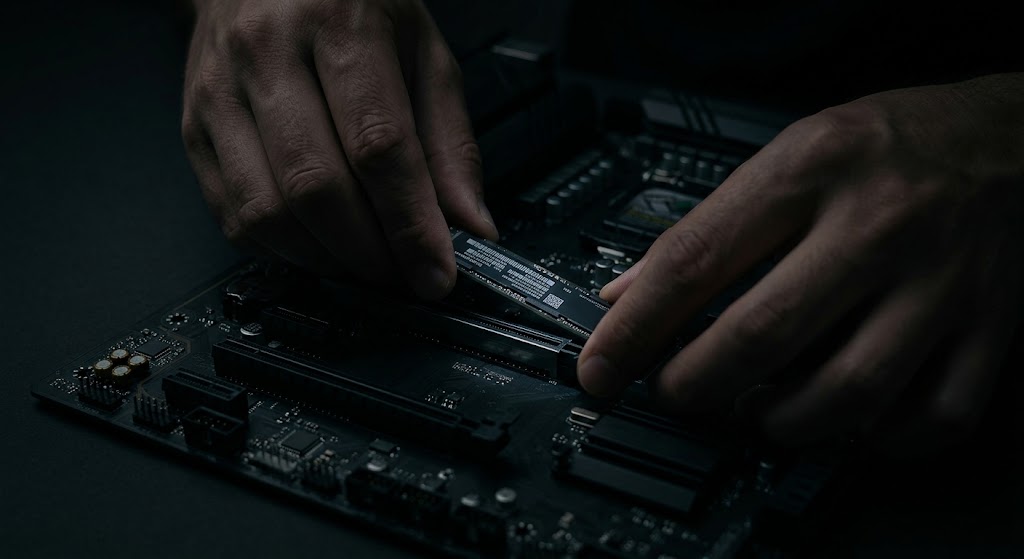
Pro Benchtop Repair Tips for HP
- Hidden Base Screws under Rubber Feet: On Envy and Spectre models, bottom screws are concealed under long rubber friction strips. Heat strips with a hot air station at 80°C before peeling to preserve adhesive.
- CMOS Clear Key Combination: If removing the battery doesn't reset CMOS, hold
Win + V + Powerfor 15 seconds to trigger CMOS default restoration on modern HP boards.
Additional Bench Reference
- Firmware and diagnostics: Use HP PC Hardware Diagnostics UEFI where supported; record failure IDs and BIOS version.
- Battery handling: Disconnect battery before display and keyboard ribbon work; verify HP spare part numbers.
- After service: Test keyboard, touchpad, wireless, audio, USB-C charging and thermal behavior.
Use the exact model service manual for disassembly, firmware and part compatibility.