
Laptop Product Families: Consumer vs. Business vs. Workstation
Model families and names change by year and region. Use the exact model number and service documentation when ordering parts or checking repairability.
| Grade | Common product families | Typical use / notes |
|---|---|---|
| Consumer | Surface Laptop, Surface Pro (consumer editions), Surface Laptop Studio | Personal productivity, creative and convertible devices |
| Business | Surface Laptop for Business, Surface Pro for Business | Commercial SKUs with business deployment/support options |
| Workstation | No dedicated ISV-certified mobile workstation family | Surface Laptop Studio is performance/creator-focused, not a traditional workstation |
Classification is a practical buying/service guide, not a guarantee of ruggedness, repairability, warranty terms or professional software certification.
Microsoft Surface Reference
Surface Hardware Combinations Quick Reference
| Target Action | Primary Key / Combination | Description / Notes |
|---|---|---|
| UEFI BIOS Menu | Hold Vol Up + Power |
Release Power at logo, continue holding Vol Up. |
| USB Boot Override | Hold Vol Down + Power |
Release Vol Down once spinning dots appear under logo. |
| Forced Hard Reset | Hold Power (20 sec) |
Forces hardware shutoff on frozen screen. |
| Recovery Drive Boot | USB Recovery Image |
Download official Microsoft Surface Bare-Metal BMR image. |
Model Series Breakdown
- Surface Pro (7+ / 8 / 9 / 10 / 11): Glass display screen glued with tough heat-activated adhesive. Features accessible M.2 2230 SSD kickstand door.
- Surface Laptop (3 / 4 / 5 / 6 / Studio): Alcantara or metal palmrests held by hidden magnetic Torx screws beneath rubber base feet.
- Surface Go: Lower power fanless tablets, glued display glass, non-upgradable eMMC / soldered NVMe storage.
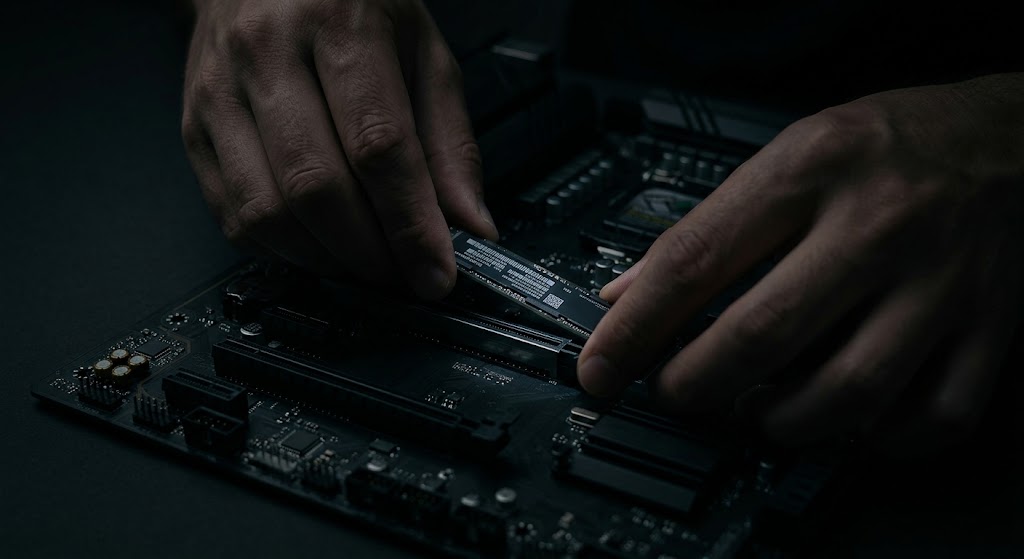
Modular M.2 2230 SSD Access Door
Modern Surface Pro and Laptop models allow easy storage replacement without removing glued display glass:
- Open the kickstand on Surface Pro models to reveal the magnetic SSD compartment door.
- Insert a SIM ejector tool into the pinhole to pop open the metal door cover.
- Remove the single Torx T3 screw holding the M.2 2230 NVMe drive.
Pro Benchtop Repair Tips for Surface
- Heat Gun Screen Removal Rule: When opening glued Surface screens, heat edges uniformly to **70°C–75°C**. Never exceed 80°C or thermal spot damage will permanently yellow the display digitizer.
- Surface Bare Metal Recovery (BMR): Standard Windows 10/11 ISOs often lack touch screen and Wi-Fi drivers out of the box. Always download the model-specific Surface BMR Recovery Zip from Microsoft Support.
Additional Bench Reference
- Serviceability: Surface model generations differ significantly; consult Microsoft service documentation for replaceable components.
- UEFI access: On many Surface devices, hold Volume Up while pressing Power; release at Surface logo.
- Post-service: Check touch, pen, cameras, Windows Hello, charging and Surface firmware.
Use the exact model service manual for disassembly, firmware and part compatibility.